3 domains included
€0 per month
For up to three domains per organization.
Free during beta
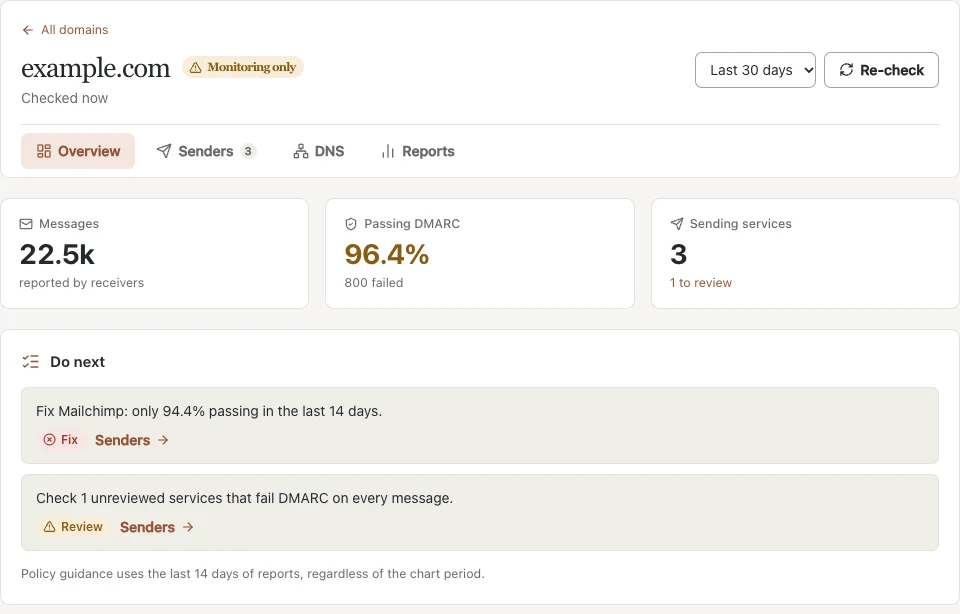
An invoice, a newsletter and a forged email can share the same From address. ReachPort's DMARC monitoring shows which services send in your name, which messages fail and what to fix.
Three domains stay free after beta.
Free, no account required. Public DNS records are retrieved via Cloudflare.
Shows records at the entered domain name. A subdomain may inherit DMARC from its parent domain.
Add your domain to ReachPort to follow DMARC reports and see which services send in your name.
Send a typical message to the test address in Spam Checker. See how that message performed on SPF, DKIM and DMARC, what content signals were found and which fixes to tackle first.
The test examines a single message. DMARC reports show patterns across your domain over time.
Open Spam Checker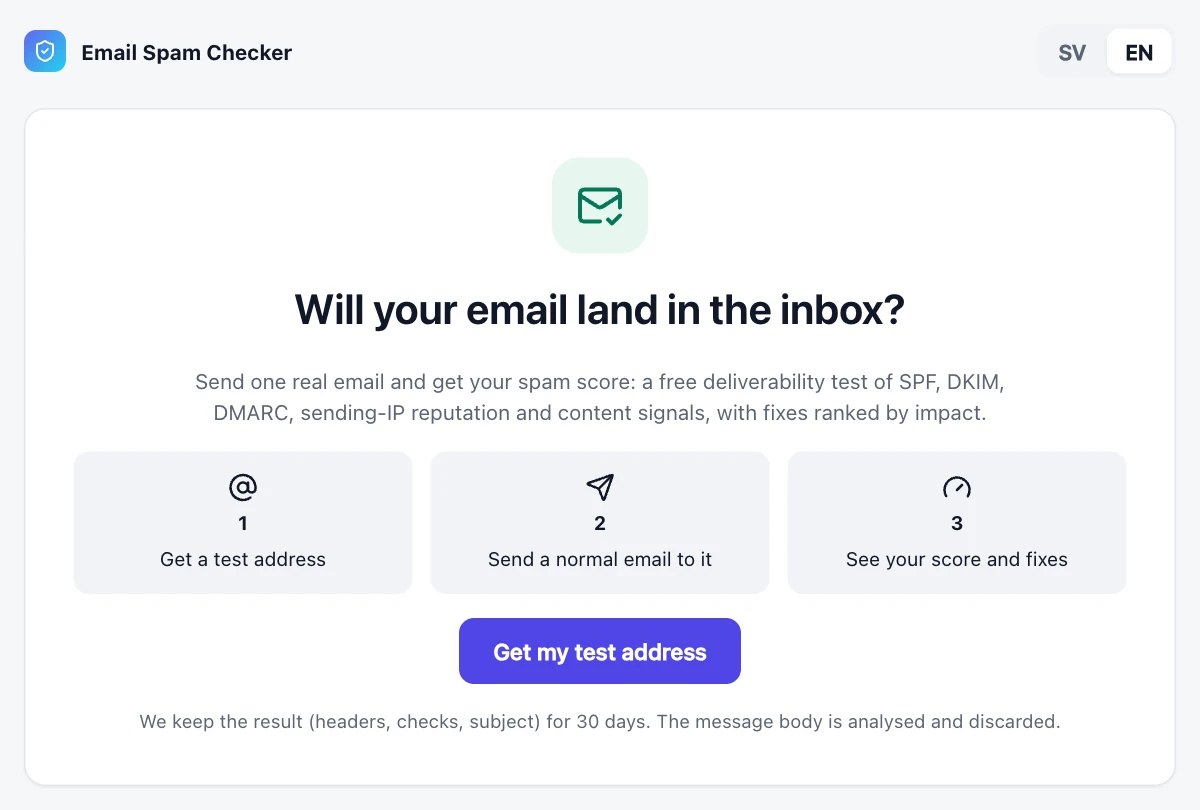
Choose a tool to see how it works.
Identify senders in DMARC reports from receiving mail servers. Check whether SPF or DKIM aligns with the visible From domain. Review legitimate mail streams before moving from monitoring to quarantine or rejection.
Publish two CNAME records for managed MTA-STS. ReachPort hosts the policy file and manages its certificate. Start in testing mode and review TLS reports for encryption or mail server issues before enforcing secure delivery.
Upload your SVG logo for validation and HTTPS hosting. ReachPort helps prepare your BIMI DNS record and can convert compatible artwork to SVG Tiny PS. Each receiving provider decides whether to display the logo and may require a certificate.
Send a normal email from the system you want to check to a temporary test address. Review authentication, sending IP reputation and content signals, with suggested fixes ranked by impact.
Track DNS changes and get alerts for new senders, missing reports or a drop in the share of messages passing DMARC. Weekly summaries show how each customer’s domains are doing.
Manage customer domains from one overview. Technicians can review senders while customers see their assigned environments. Export results as CSV for follow-up.
A practical rollout for an IT team whose domain already sends customer email.
Add a TXT record to prove ownership, then put the reporting address from ReachPort in your DMARC record. Start with p=none to collect evidence while receivers continue to apply their usual delivery checks.
Compare the reports with the systems you use, such as Microsoft 365, billing software and your newsletter provider. If newsletters fail, check which domain the provider uses for its DKIM signature.
Once legitimate email passes DMARC, you can try quarantine on a limited subdomain. Review reports and delivery before tightening the policy for other domains.
The service is currently free for a limited beta period. Standard pricing then applies per organization.
€0 per month
For up to three domains per organization.
€10 per month
From four domains, you pay €9/month + €1 per additional domain beyond the first three.
DMARC lets receiving mail servers check whether messages using your domain in the visible From address are authenticated. The policy in your DNS tells receivers how to handle messages that fail the check.
Add your domain, verify ownership with a TXT record and set up DMARC reporting in DNS. Once reports start coming in, you can review your senders.
These help you monitor encryption when other servers deliver email to you. Start MTA-STS in testing mode and review TLS reports for issues such as a certificate error on a backup server. Check every receiving server before enforcing encrypted delivery.
BIMI relies on an enforcing DMARC policy and a logo in a supported SVG format. ReachPort can validate and host the logo and help prepare your DNS record. Each receiving provider decides which certificates it requires and whether to display the logo.
Product and beta enquiries
info@reachport.se
Technical support
support@reachport.se